



National Center of Excellence in Mechatronics and Clean Technologies
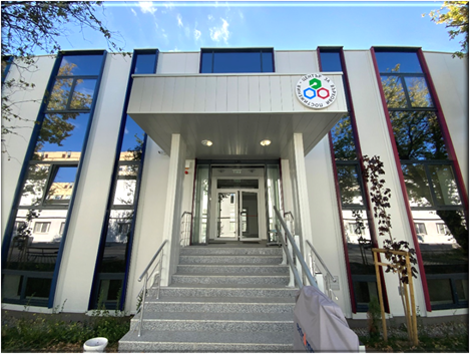
The forum will be held at the National Center of Excellence in Mechatronics and Clean Technologies, located at the Geo Milev scientific campus of the Bulgarian Academy of Sciences in Sofia, Bulgaria.
Address: Acad. Georgi Bonchev Street, bl. 29, Geo Milev Campus, Sofia, Bulgaria; GPS coordinates: 42.67533, 23.36658
Transportation
The venue is conveniently accessible by public transportation. Several bus (73, 76, 84, 204, 213, 280, 304, 305, 604) and trolleybus (3, 4, 5, 11) lines operate along Tzarigradsko shose, and tram lines 20 and 21 operate along Shipchenski Prohod Boulevard, providing easy connections to different parts of Sofia.
The nearest public transport stops are located within approximately 5–10 minutes walking distance from the campus buildings.
How to reach the venue from the airport ✈️
From Sofia Airport the venue can be reached in about 30–40 minutes by public transport.
Step-by-step:
- From the airport terminal, take bus number 84.
- Travel to station “Hotel Pliska”.
- Get off and walk approximately 8–10 minutes to the Geo Milev scientific campus and the conference venue.
Accommodation
Several hotels are located near the campus and offer convenient accommodation options for participants:
- Hotel Triada (4★) – 1.2 km Website
- Hotel Evropa (4★) – 0.9 km Website
- Hotel Rai (3★) – 0.75 km
- Hotel Kibela (2★) – 0.8 km Website
- BAS House of Scientists (2★) – 0.1 km Website
Additional hotels and guesthouses are available in the surrounding districts and in the city center of Sofia.
Sofia – A City Where History Meets Modern Energy
Located at the foot of Vitosha Mountain, Sofia is one of Europe’s oldest capitals, where a long and complex history meets a contemporary urban rhythm. The city center brings together key landmarks such as Alexander Nevsky Cathedral, the Roman remains of Serdica and the Ivan Vazov National Theatre, all within walking distance of cafés, parks, and cultural venues.
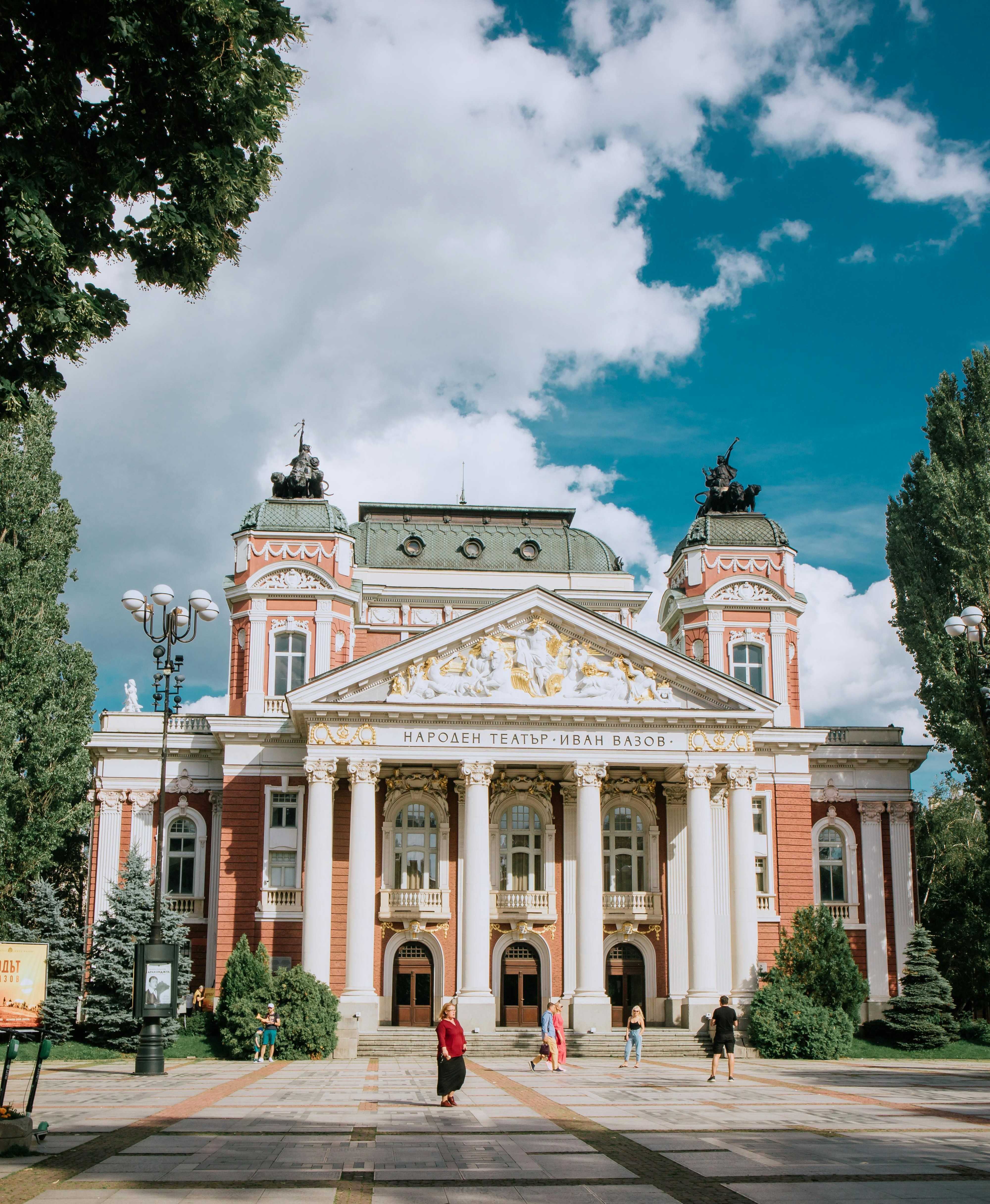
Sofia offers a calm yet intellectually stimulating environment, well suited to scientific discussion and professional exchange. The city is known for its accessibility, varied cuisine, and reasonable prices, combining influences from both Eastern and Western Europe in a natural and unforced way.
Getting to Sofia
Sofia International Airport (SOF) is well connected to major European hubs as well as low-cost airlines, making travel both convenient and affordable.
The airport is located only 20–25 minutes from the city center by taxi or metro.
Metro Line M4 provides a direct connection between the airport and central stations, as well as areas close to major hotels.
Transportation in the City
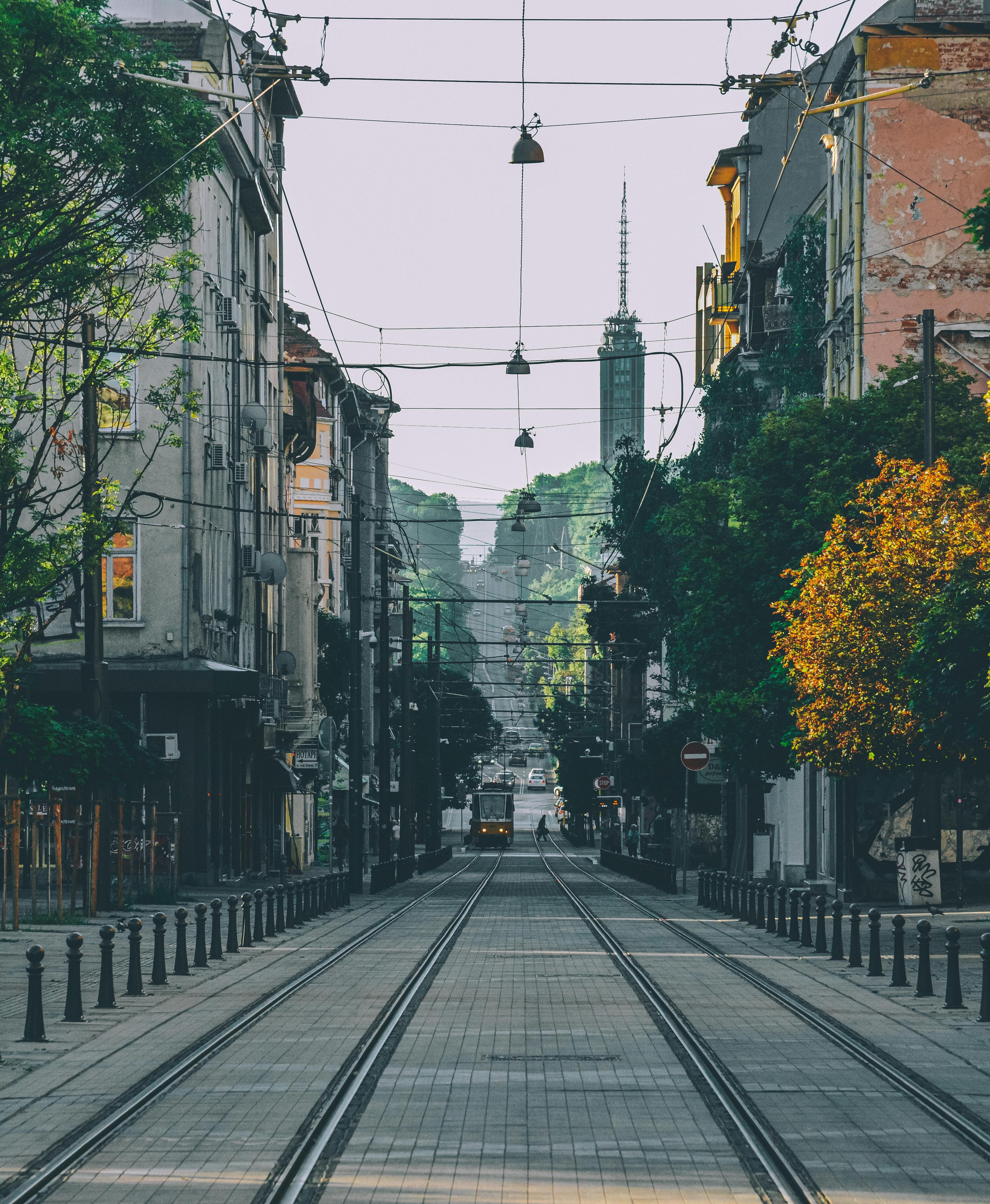
Sofia has an efficient and inexpensive public transport system, including metro, trams, and buses. Debit and credit cards can be used as a public transport ticket by validating them on the on-board device.
Taxis are widely available; reputable companies include OK Supertrans and Yellow Taxi. Unmarked taxis should be avoided.
The city center is compact, and many landmarks are within walking distance, making walking one of the best ways to explore central Sofia.