








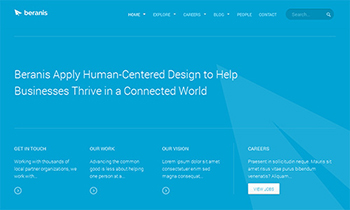
Responsive Joomla Template for Business
JA Beranis - Responsive Joomla template supporting both Joomla 2.5 and Joomla 3, is your key to quickly rebrand your business website: clean and fresh. Simplicity and minimalistic design assure JA Beranis fit well into any business, portfolio and corporate website without being too over the top.
Built on our latest version of T3 Framework, meaning JA Beranis is responsive and compatible with both Joomla 2.5 & Joomla 3 version.
JA Beranis also features EasyBlog component style from Stackideas, 2 layouts for Mega Menu: the traditional horizontal one and first time ever vertical mega menu which makes navigating throughout JA Beranis itself much easier, and a brand new JA Image hotspot module to present your locations on a static map.